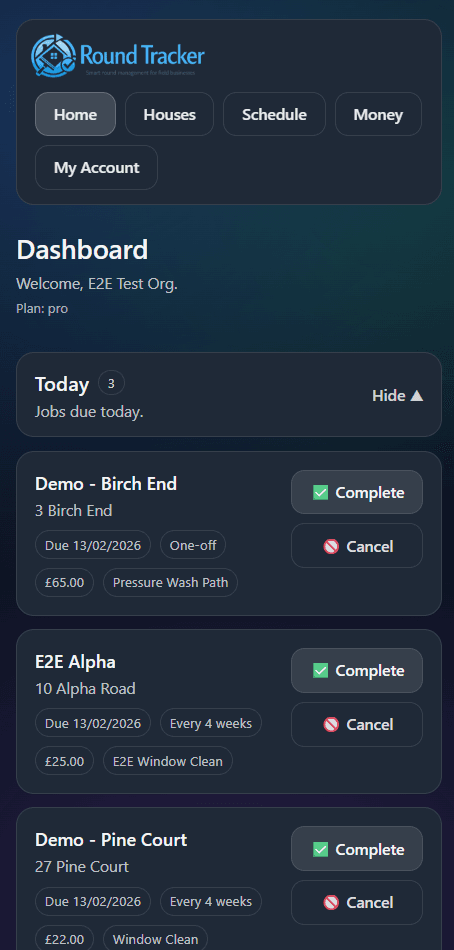
1. Home dashboard
Start here to see your key totals and daily workflow.
Quick walkthrough. Keep it simple. Every new account starts on Pro for 30 days, then moves to Free unless upgraded.
Start here to see your key totals and daily workflow.
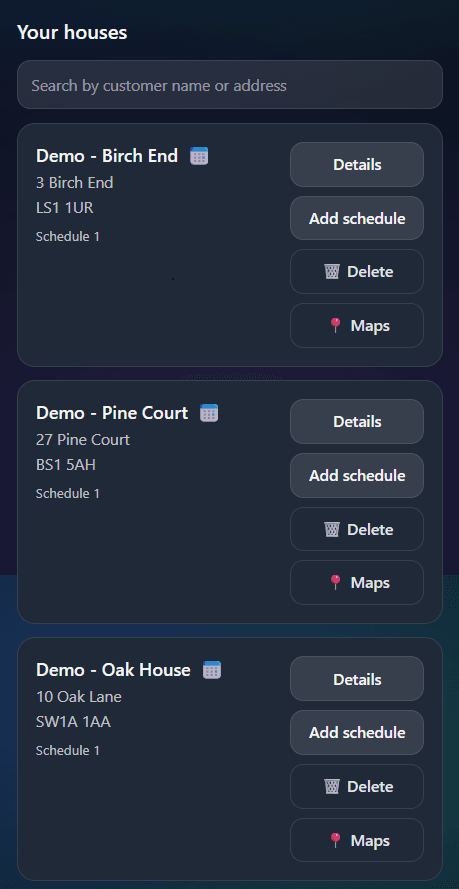
Start in Houses and build your customer list.
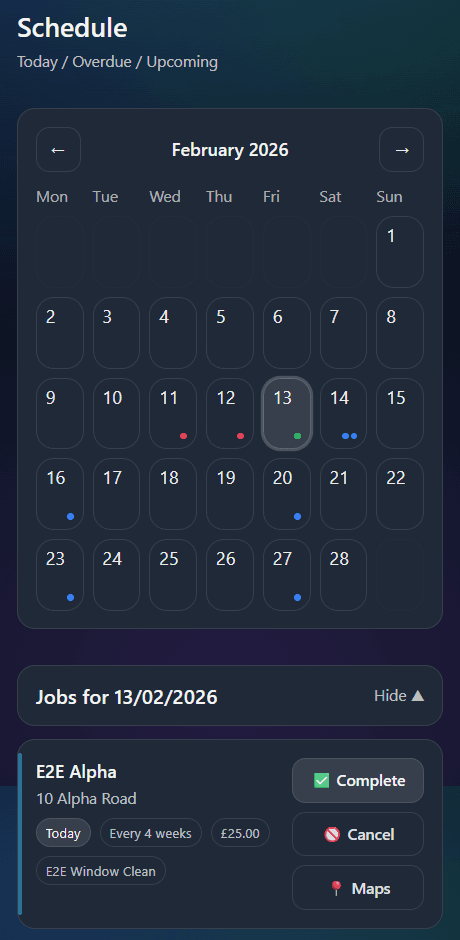
Set one-off or recurring jobs in Schedule.
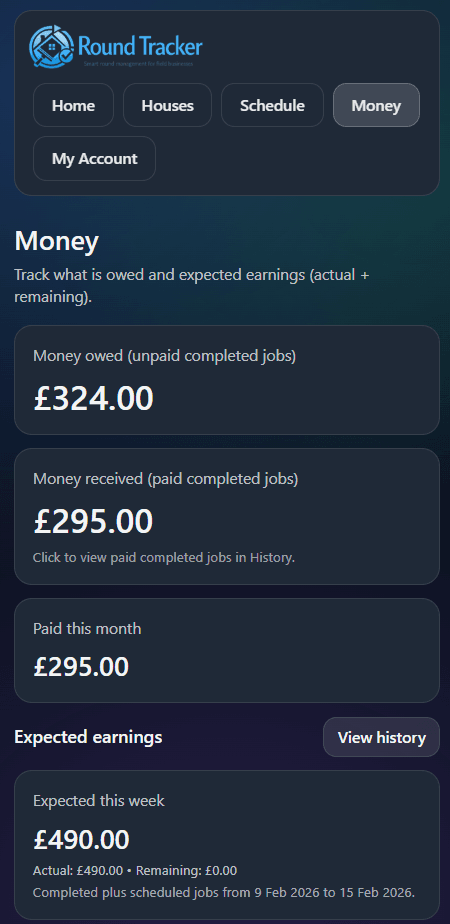
See owed, paid, and export money CSV.
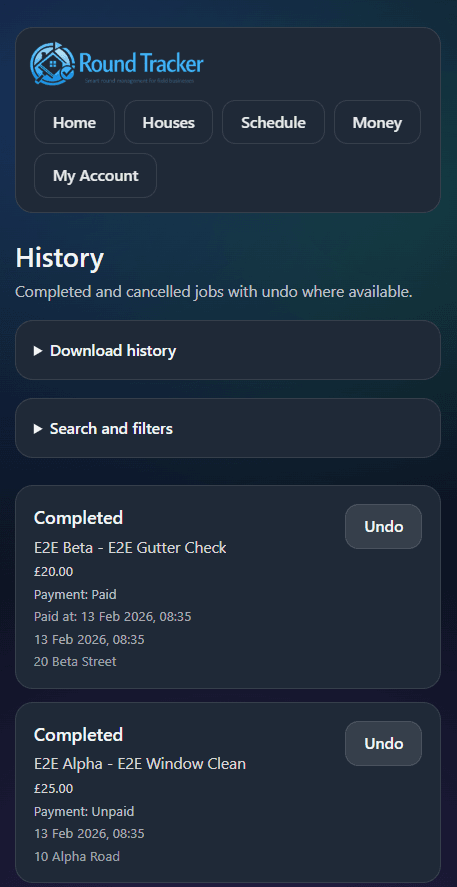
Review completed/cancelled jobs and download history CSV.
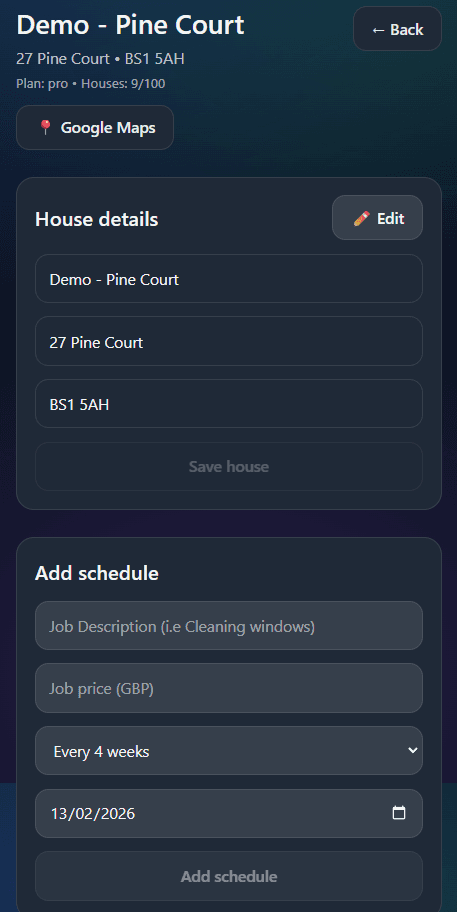
Use house details to edit records and manage schedules.